5 Productivity Apps That Will Turn Your Phone Into Your Ultimate Study Buddy
Published on Feb 24, 2026
Let's face it, it's hard to always stay on top of things as a student. Between juggling academic requirements, org work, and finding a way to squeeze in a hangout with your friends or a date with your S.O., it can feel like you're constantly running a marathon. Maybe you've tried the whole planner thing, color-coded to-do lists, or scribbling everything down on the nearest scratch paper you could grab, only to realize it's just not cutting it anymore. Here's a thought: what if your ultimate study buddy has been in your hand this whole time? And yes, we’re talking about your phone!
We're always on our phones anyway, so why not maximize them to their full potential? App developers have created productivity and task management apps designed to help students like us handle everything on our plates. And before you even ask—yes, most of them are free.
Research has even shown that digital productivity tools have transformed the way students learn, research, and ultimately improve the quality of their work.
So if you're ready to reach flow state for this semester, here are a few of our favorite apps to help get you started on your productivity era:
Mobile Productivity Apps For Solo Study Sessions
1. Folderly
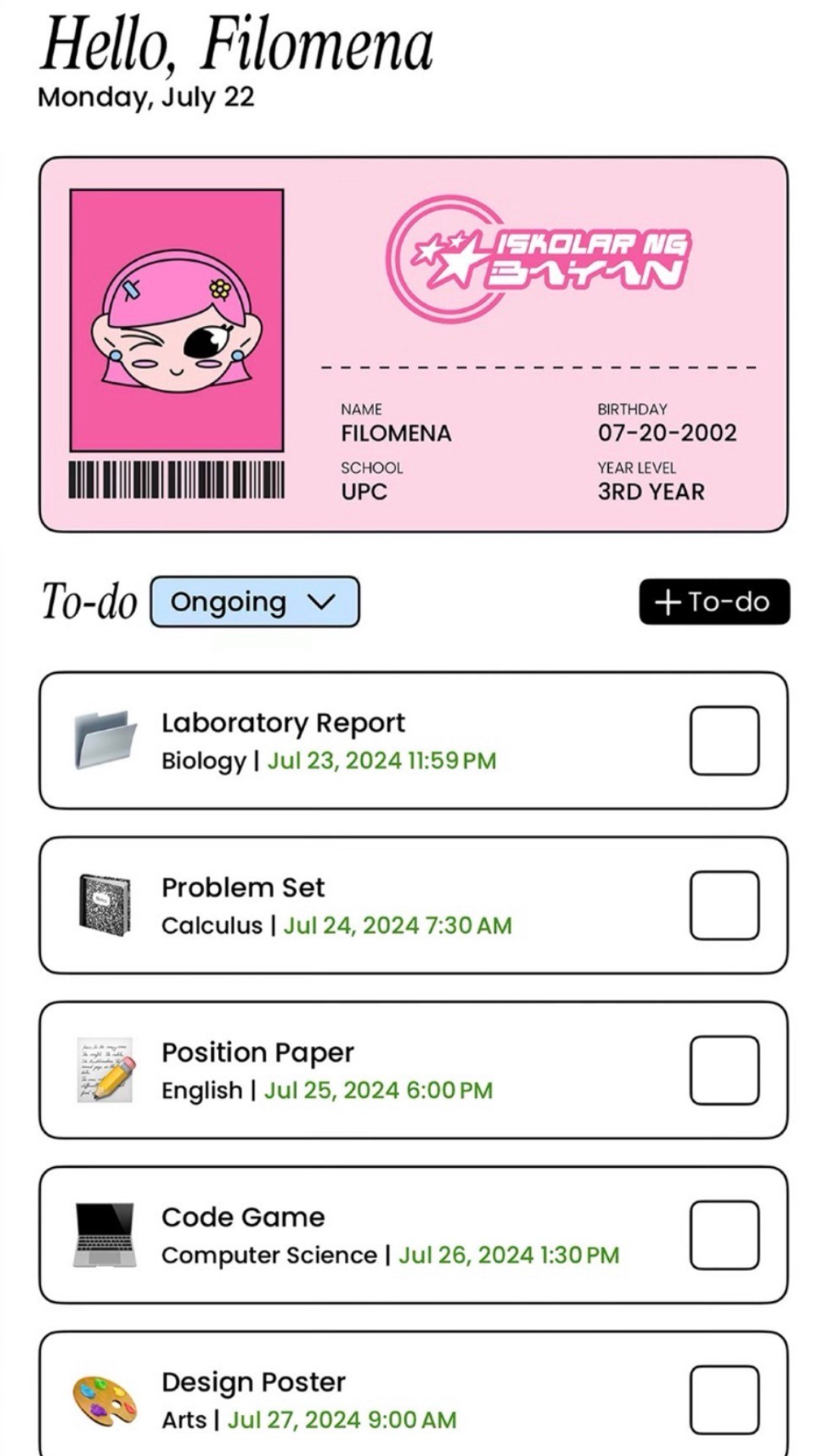
Folderly, an app made by Filipino Gen Z student Raethan Christian Supatan, is your all-in-one academic organizer. Think colorful graphics, perfect for the Y2K-loving Type A student who loves to plan.
You can customize to-do lists with emojis, create a virtual ID, and sort each subject into folders where you can upload notes, important files, and create flashcards. It also turns your schedule into cute, customizable widgets and sends notifications for upcoming tasks—plus a heads-up if you need to go to your next class.
2. Study Bunny
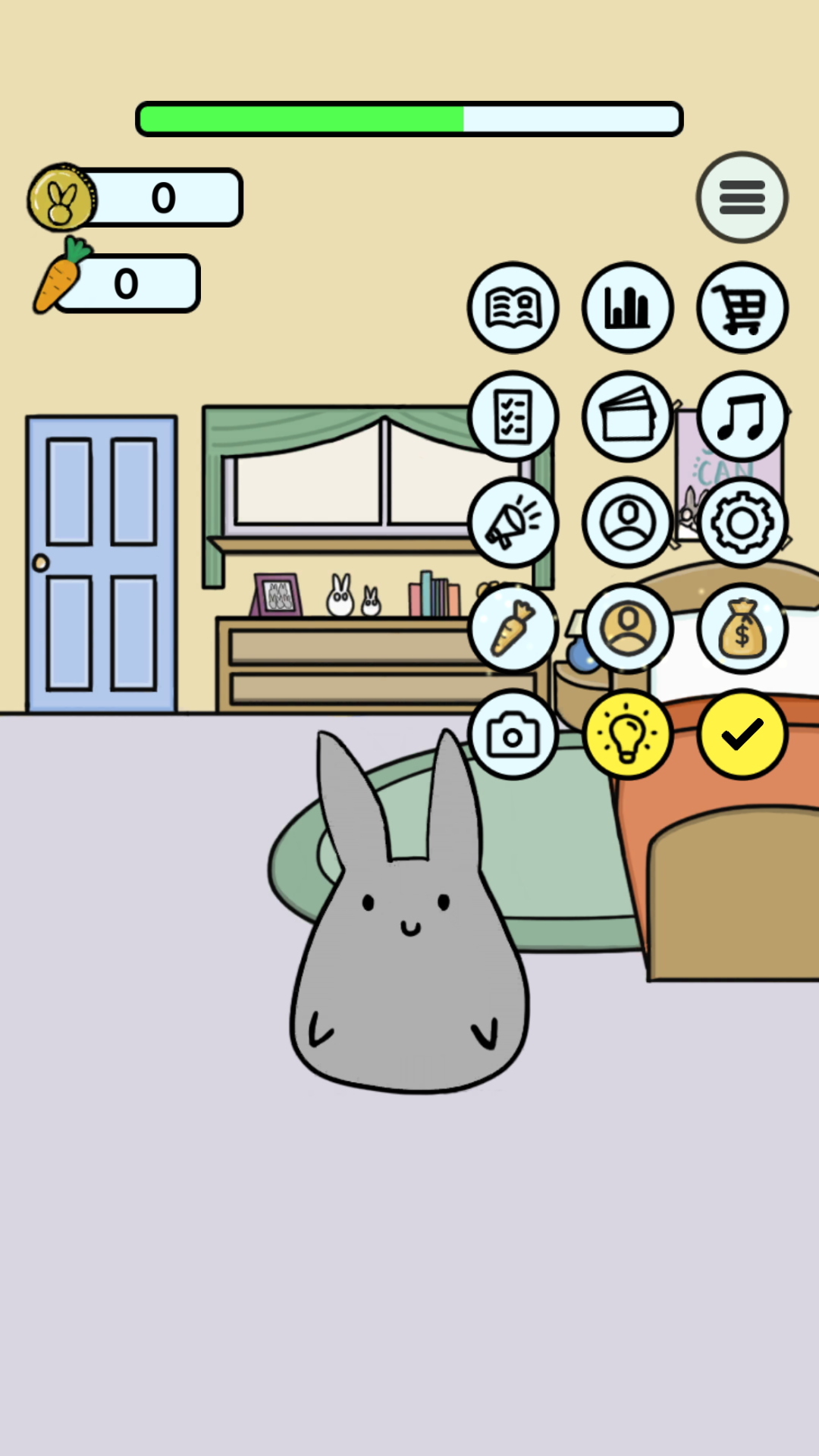
Have you always wanted a cute and cuddly pet? Say no more. Meet Study Bunny, your motivational study timer with major Tamagotchi vibes.
Set your focus time, finish your session, earn coins, then use them to feed your bunny, change its outfits, redecorate backgrounds, and even let friends visit your room. As you clock in study minutes, the app tracks your progress with customizable color charts. You can also jot down to-do lists, review flashcards, and check how much you’ve improved all in one place.
3. Structured
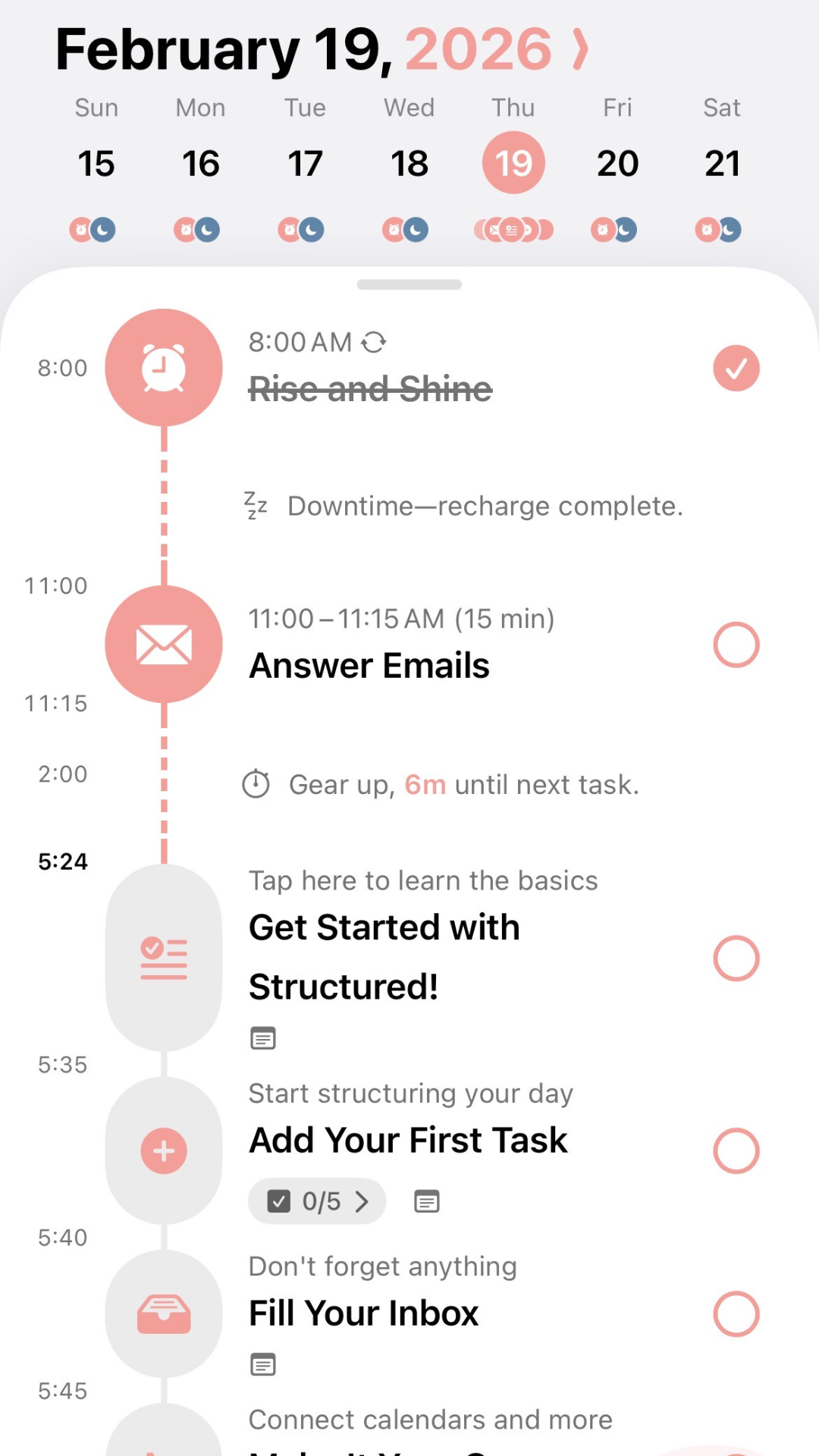
If you're a fan of a minimalist planning app, Structured is that girl. It's user-friendly, and most importantly, everything's in pink!
It's perfect for the detail-oriented girlie who wants everything mapped out: from wake-up calls, skincare, study sesh, and sleeping routines. You can time-block your day, color-code tasks, set how often they repeat, and visualize your schedule in a simple timeline format.
You can also add notes, create subtasks, tick everything off as you go, then view your next tasks right on your home screen. The best part? It can sync across your devices and connect with your calendar or reminders app, so your whole life stays structured (pun intended).
4. Forest
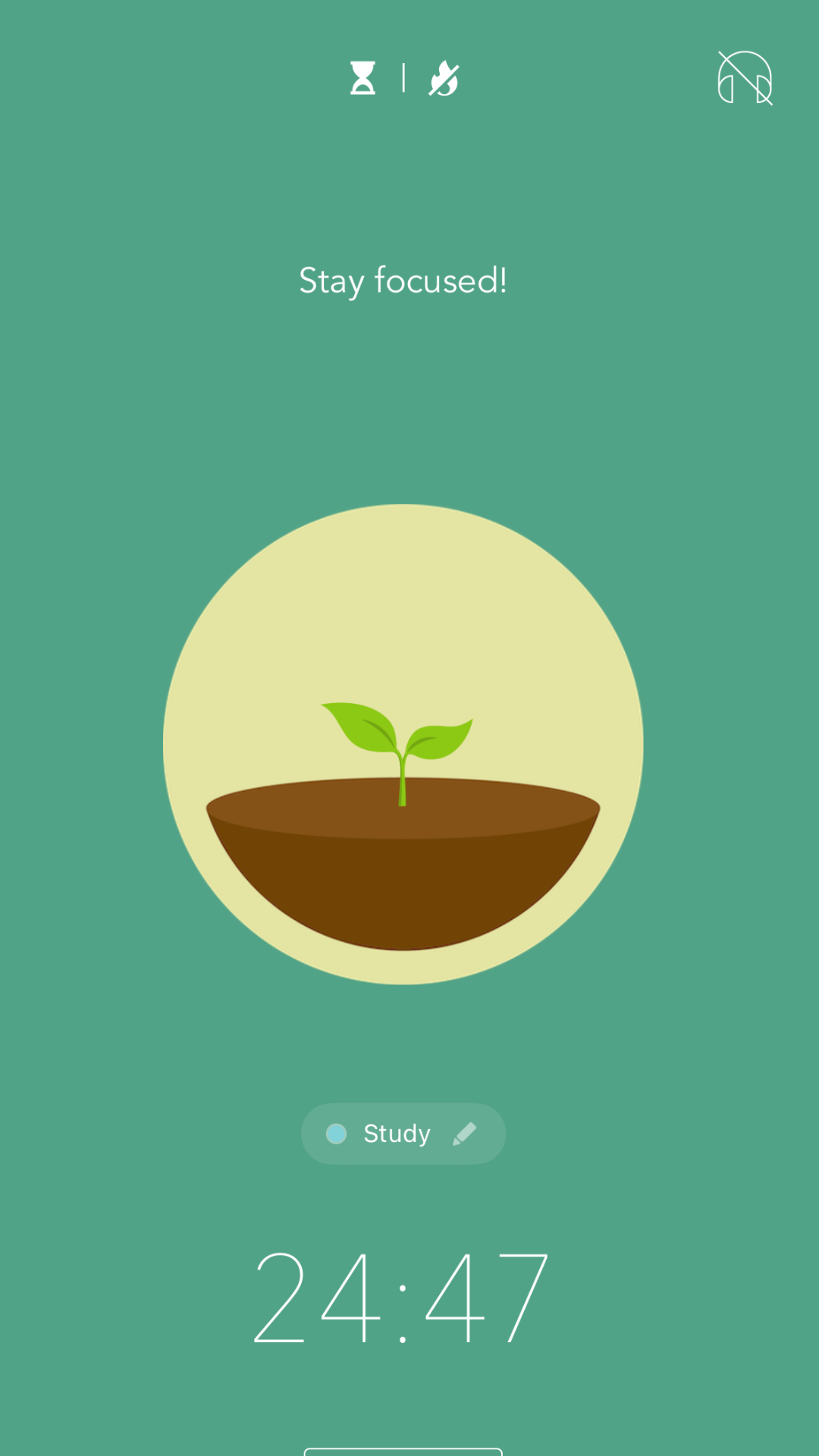
No time to literally touch grass? Try Forest, a calming study timer where you pick a plant and grow it while you stay focused.
Complete study sessions, do mini challenges, earn coins, unlock new plants, and slowly build your own digital forest. You can even turn on settings that block distracting apps (because sometimes our self-control needs a little help, too). And if you also want to save the environment, Forest partners with Trees for the Future, a non-profit organization dedicated to its mission of land restoration. Through the app, you can spend your coins to help plant real trees, which adds another fulfilling finished task to your list.
5. NoteCircle: To Do-List
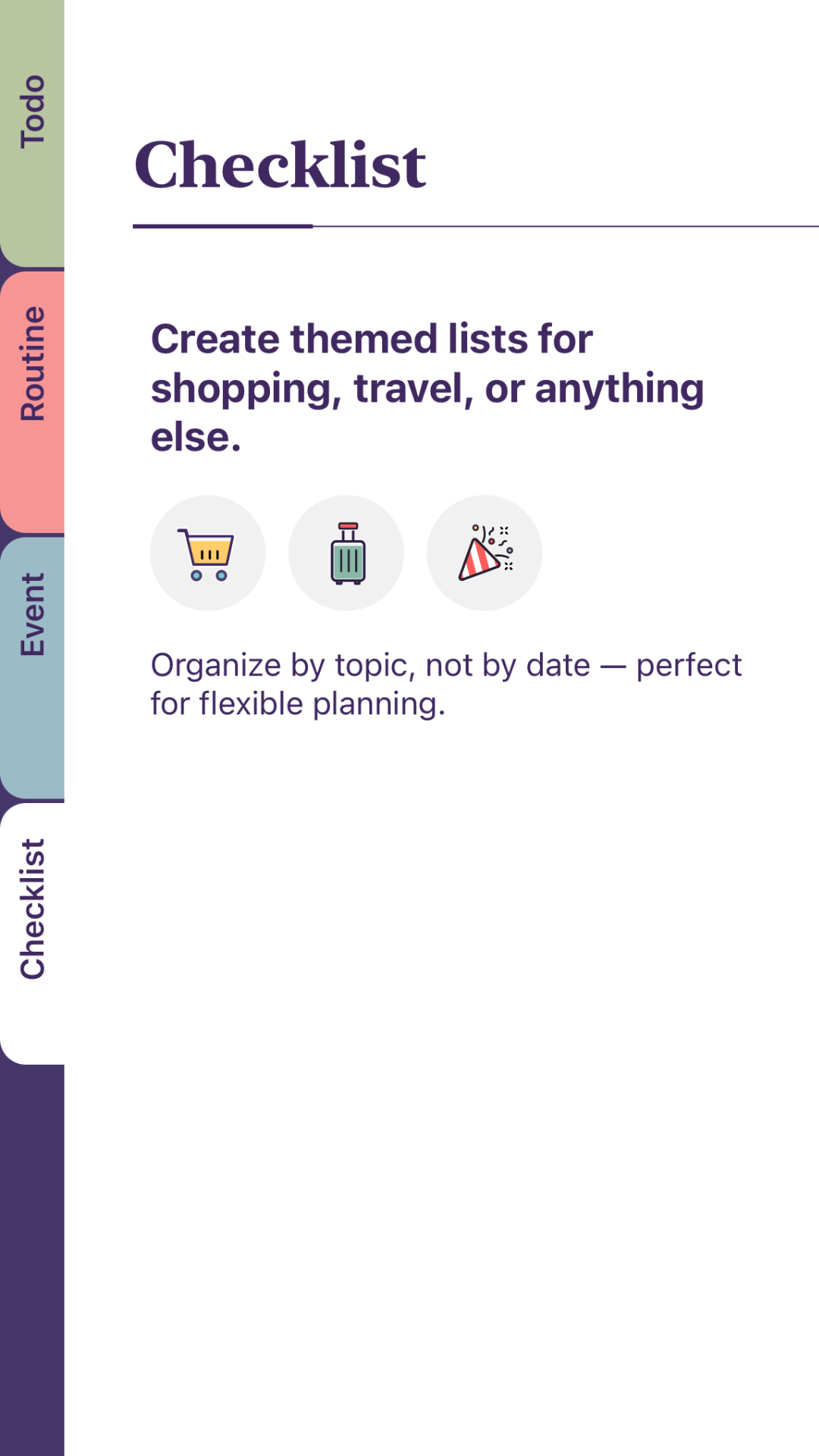
If you love the feel of a planner with actual page tabs, NoteCircle might be your match. It lets you segment your life into urgent to-dos, routines, an events calendar (so you won't forget your bestie's birthday), and themed lists for things like travel plans or shopping, all in one place.
When you're not in the mood to type, you can also use voice dictation or even turn photos of your handwritten lists into tasks automatically.
Available on iOS